
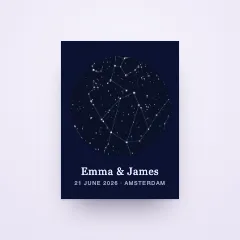
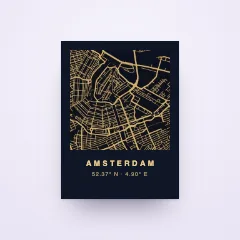

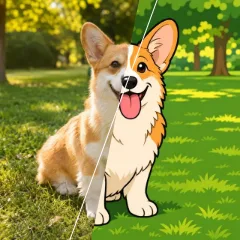
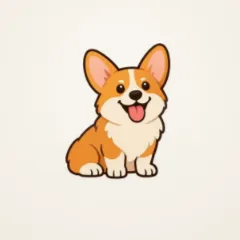



Your artwork, picked by every customer
Upload the drawings that make your shop yours, from dog breeds to wedding icons. Shoppers pick their favourite right on the product page, and the preview changes as they tap.
- 30-day free trial
- Your own artwork
- No code needed
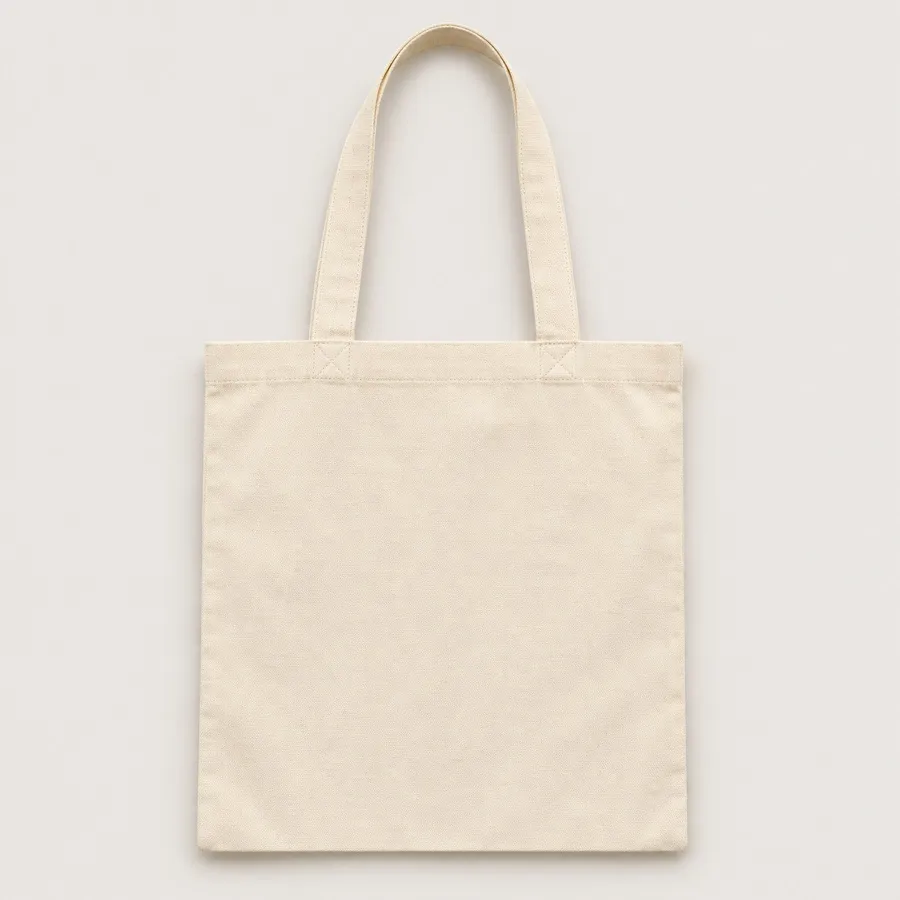
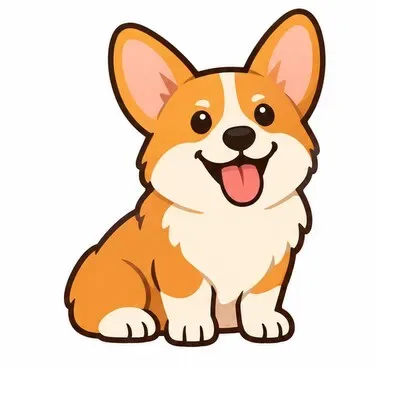 Biscuit
Your library, your look.
Upload your clipart once and sort it into categories, the way you think about your range: dogs, flowers, initials, hearts. Every product in your store can use it.
- SVG, PNG, JPG or WebP, or a whole ZIP at once
- Subcategories keep a big range easy to browse
- Rename and reorder the choices on each product
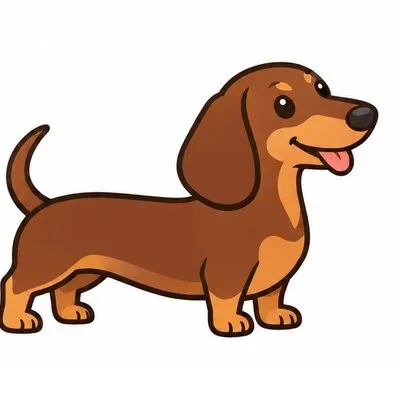
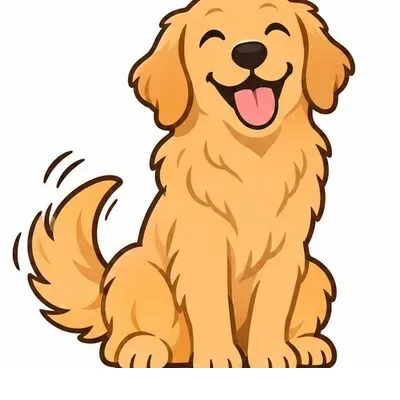
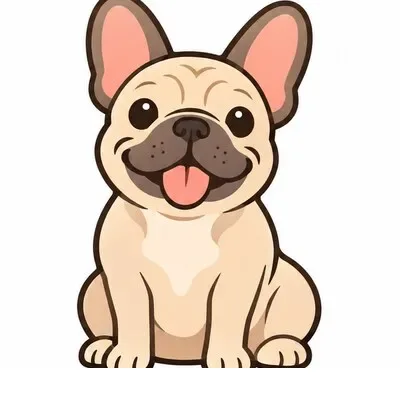
Shoppers pick, the product changes.
Put a clipart on the design and choose a category. Shoppers see your artwork beside the product, and the preview follows every tap.
- Six layouts, from a grid of tiles to a dropdown
- Star the one that shows first
- Big sets get search and category chips
Colours you allow.
Open up the parts of an SVG drawing that may change, name them and give each your colours. Shoppers recolour them right on the product, and the rest stays as you drew it.
- Name each part, like Petals or Collar
- Give a part your colours, or let shoppers pick any
- Works on SVG drawings with up to eight colours
Clipart plus a name makes it theirs.
Clipart works beside every other element. A dog with its name on a tote, two dogs side by side on a poster, a flower beside an initial on a sticker.
- Several clipart choices on one design
- Combine them with names, dates and photos
- The same artwork across all your products
FrankSharp on every print.
SVG clipart stays crisp at any size, from a small sticker to a large poster. Every personalized order gets a print file at the product's real size.
- SVG drawings stay sharp as they grow
- A badge tells you when a PNG may print soft
- Print files ready for the print partner you choose
Questions, answered
Help centerWhich files can I upload as clipart?
SVG, PNG, JPG and WebP files up to 2 MB each, one by one or many at once in a ZIP file. SVG drawings stay sharp at every size, and only SVG drawings can have parts that shoppers recolour.
Can shoppers upload their own clipart?
No. Shoppers pick from the artwork you add. To print their own picture, add a photo field next to it.
Can one product offer several categories?
Each clipart on the design offers one category, with its subcategories as filters. Put several cliparts on one design to offer dogs in one spot and flowers in another.
How many choices can a clipart have?
Up to 500. With more than 12, shoppers get search and category chips, and the full set opens in a sheet.
Can a choice cost extra?
Yes. Give an image its own price and let the product charge per choice. Otherwise every choice is included in the product price.
Do I need design skills?
No. Upload your files, put a clipart on the product and choose a category. The Design Studio shows the result the way your shoppers will see it.
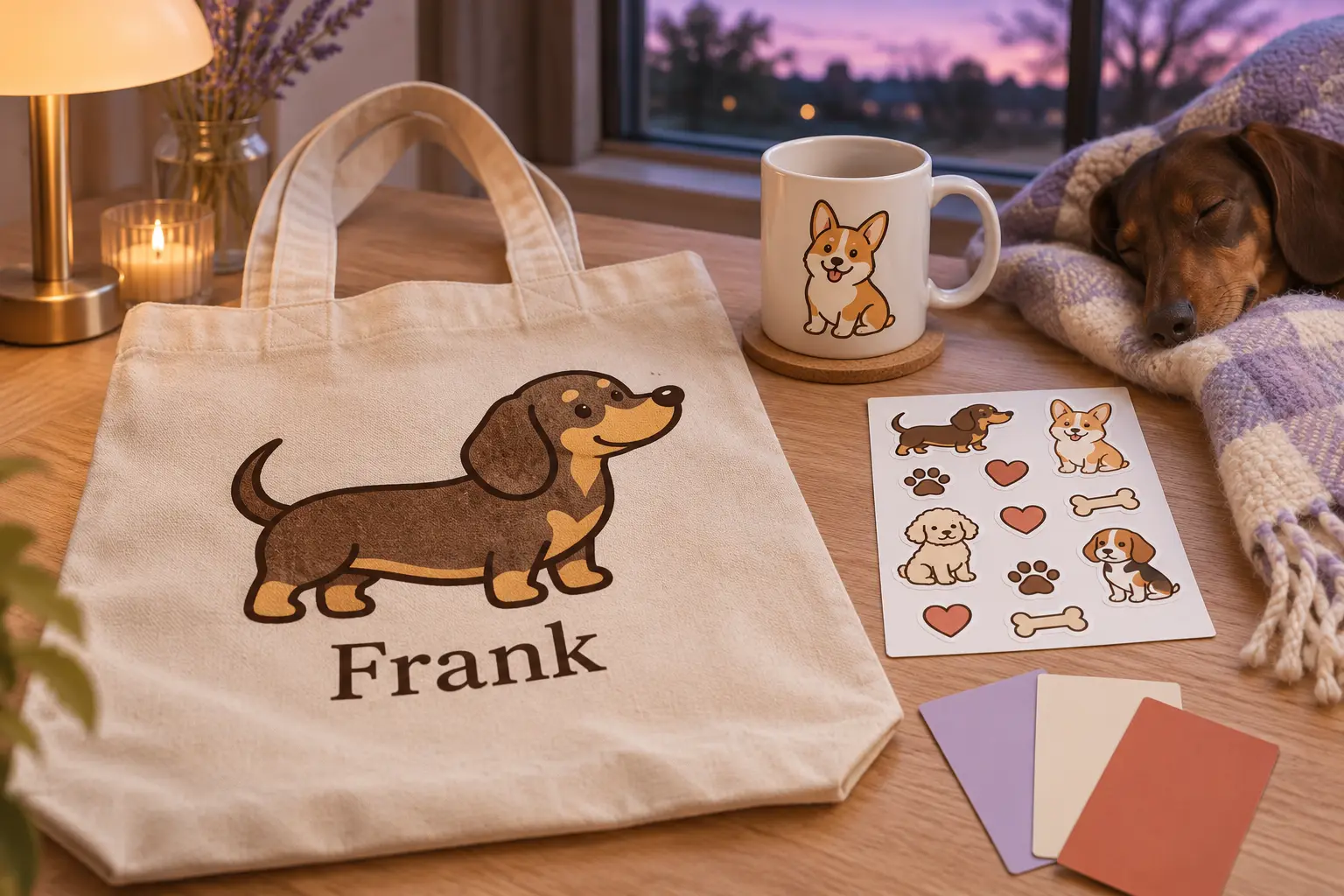
Your artwork, on every order.
Connect your store, upload your clipart and let shoppers pick their favourite.