Product personalization,built to scale
Sell personalized products on Shopify with a live customizer, AI image effects on your own AI provider key, and a print-ready file for every personalized order.
30-day free trial. Cancel anytime.
Works with Shopify and the print partners you already use
- Shopify
- Printify
- Printful
- MerchOne
- Self-print
Try it right here.
The full customizer does photos, maps and the night sky too. See it live on the examples page.
Design it. Sell it. Ship it.

Design it
Set up a product template once: fonts, colors, print area. Mark the parts a customer may change.
The Design Studio
Sell it
Shoppers type a name or drop in a photo, right on your product page. The preview updates while they watch.
The live customizer
Ship it
Each order lands with the exact file your printer needs. Send it to Printful, Printify, or your own press.
Print-ready ordersDesign once. Personalize forever.
The Design Studio is a real canvas: layers, fonts, photos and a print area for every side of the product. You set the rules once, and every order follows them.

- You decide what customers can change. Everything else stays locked to your design.
- Text, photos, shapes, QR codes and maps live on one canvas.
- One template carries every color and size you sell.
- AI image editing removes backgrounds and applies effects. Draft product SEO and offer shoppers published fixed styles or style galleries. Paid AI image tools use your own provider key, with no markup from us. Text assistance is included in Composerie, with usage limits.
Your customers personalize with their name
Simple or layered, every choice shows up in the preview before anyone pays.

Text and monograms
Fonts, colors and curved text. You pick the palette, they fill in the words.

Their own photos
They upload a photo, then crop, move or rotate it inside the frame you set.

Maps and the night sky
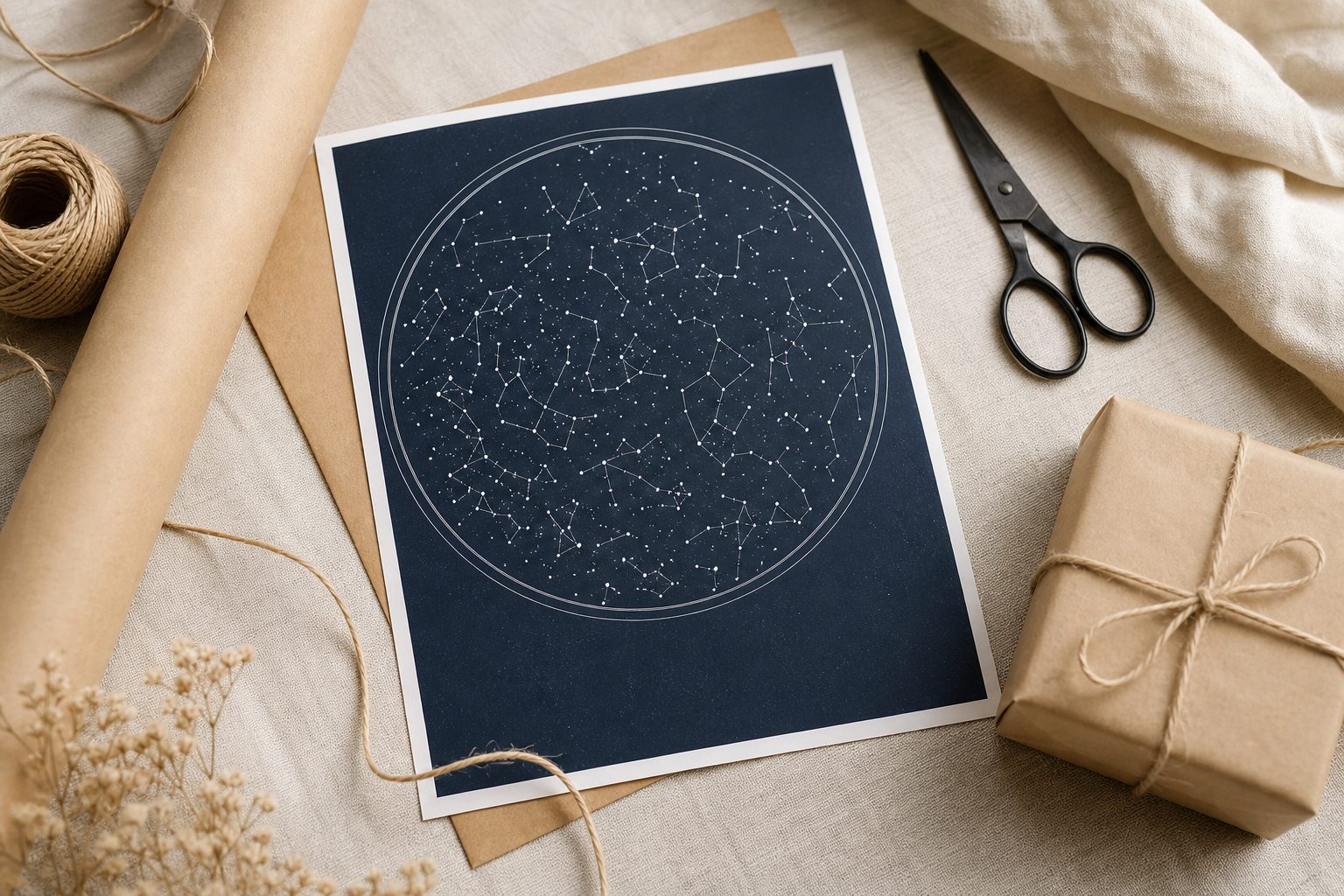
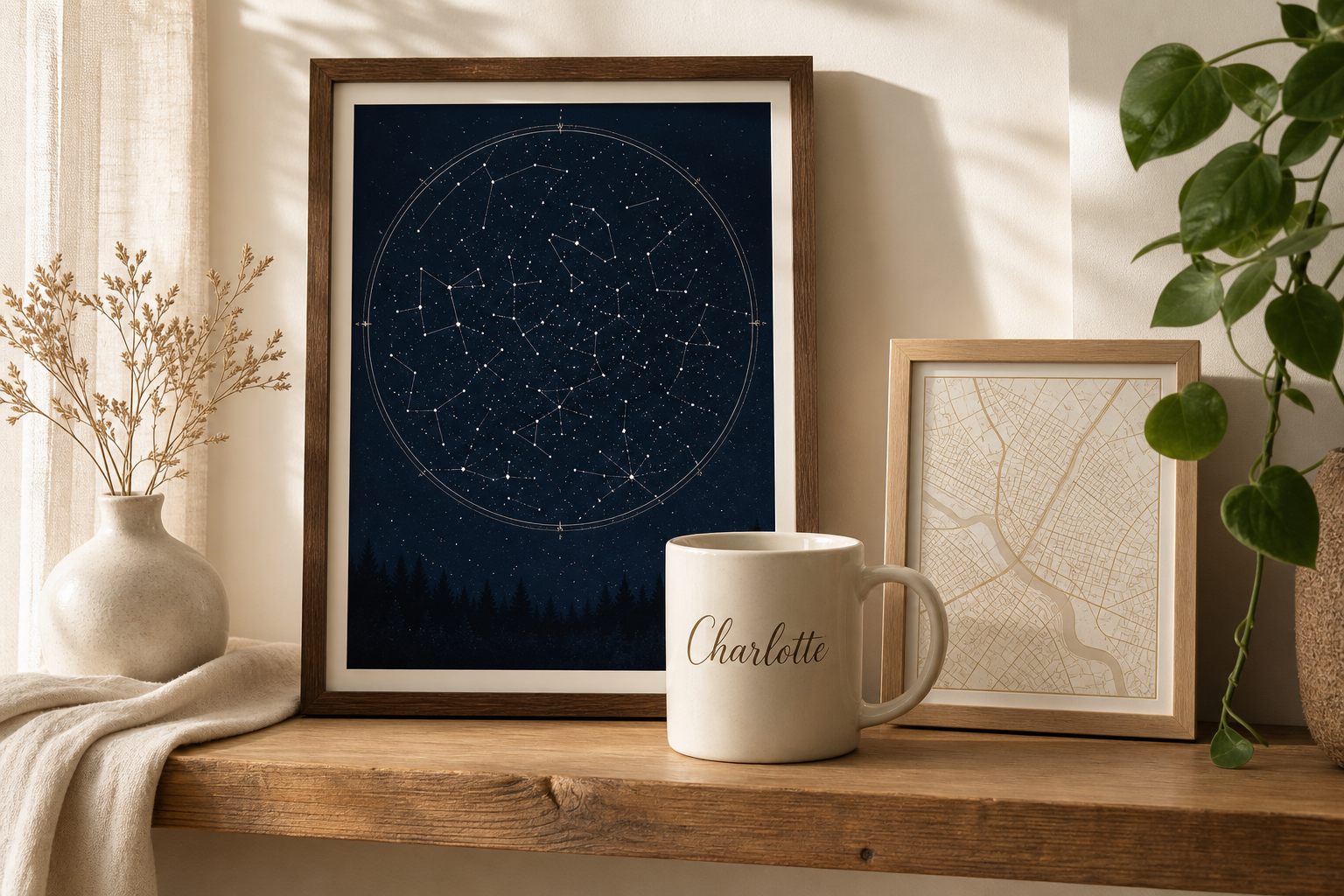
A street map of their city, or the stars above one specific date and place.
Everything in the box
Will it work for your product? If it has a printable surface, probably yes.
- The real night sky, star by star
- City maps with no map key needed
- A print-ready file with every personalized order
Sell the night sky from any date
The real sky, star by star, for their date and place, printed onto a poster they keep.
See star maps

Products merchants can personalize
Illustrative images of products you can set up, not photos of real orders.


Set up in three steps
See how it worksInstall
Add Composerie to your Shopify store and pick a product to start with.
Design
Lay out a template and choose the fields shoppers get to fill in.
Publish
The customizer appears on your product page. Orders arrive print-ready.


$49 a month.
The more you sell, the less you pay per item.
30-day free trial. Cancel anytime.
What you pay per personalized item
- 1-100 items$1.00 per item
- 101-1,000 items$0.50 per item
- 1,001-10,000 items$0.25 per item
- 10,001+ items$0.10 per item
Runs where you already sell
- Works inside Shopify checkout with the theme you already have.
- Printful, Printify and MerchOne are built in. Printing it yourself works too.
- English support that replies within one business day.
We launched in 2026, so there are no customer logos to parade yet. There are live demos you can try instead, and your store could be the first logo here.
Try the examplesPersonalization shouldn't be extra work.
You set the rules. Your customer makes it theirs. Your printer gets the file it needs.
What merchants ask first
What is Composerie?
A Shopify app your customers use to personalize your products right on the product page, with a live preview. Every order comes back with the file your printer needs.
Do I need to know design software or code?
No. You do the product setup once in a visual editor, and the customizer appears on your product page by itself.
Which print partners does it work with?
Printful, Printify and MerchOne connect directly. You can also download every order's file and print it yourself.
What does it cost?
$49 a month, plus a per-item fee that starts at $1.00 and falls to $0.10 as your volume grows. Additional Shopify stores in the same organization are included. It starts with a 30-day free trial.
Does it work outside Shopify?
Composerie works on Shopify only, for now. If you sell on WooCommerce, Wix or Etsy, we can't help you yet.
What can customers actually change?
Whatever you allow: text and fonts, their own photos, a street map of any place, or the night sky from a date. You set the boundaries per product.