


Every way your customers make it theirs.

Fifteen elements, from a name in their favourite font to the night sky over the place they met. You lay them out in the Design Studio and choose what customers may change.

  • 30-day free trial
  • No code needed
Show elements for
15 elements

Words. Names, dates and messages in your fonts.

Font
Colour

Text

Customers type a name, a date or a message and watch it appear on the product. You choose the fonts, the colours and how long it may be.

  • Font picker
  • Colour swatches
  • Curved and warped text
  • Character limits
  • Shrinks to fit
  • Dates and numbers
Design Studio

Photos and pictures. Their photo, a character or your artwork.

Style
Styles in this demo are samples of what your AI provider paints.

Photo upload and AI styles

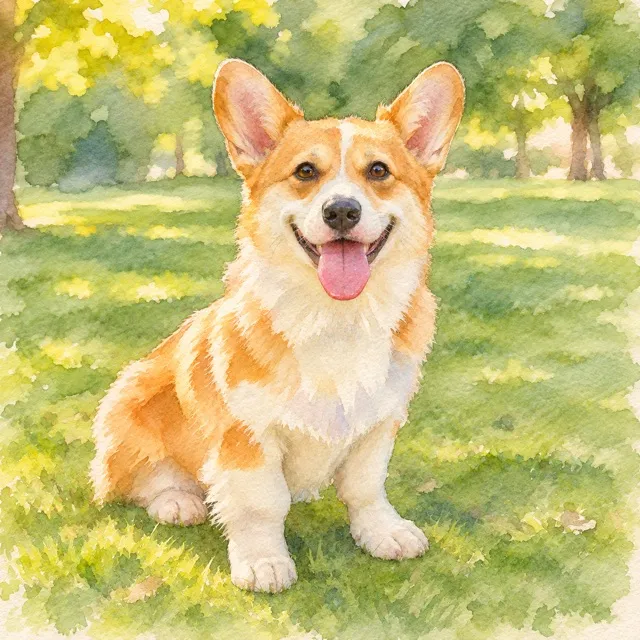
Customers upload a photo and crop it to the frame. If you offer it, they turn it into a watercolour, an anime still or one of your own styles.

  • Crop and reposition
  • Print-quality check
  • iPhone photos
  • 16 built-in AI styles
  • Your own styles
  • One style or a gallery
AI tools
A drawn character

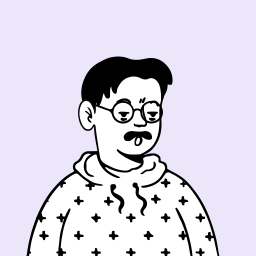
Avatar

Customers shuffle a character until they like it, then change the hair, the face and the colours you allow.

Clipart

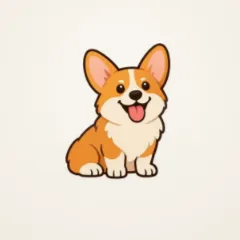
Customers pick from artwork you upload, like their dog's breed, and recolour the parts you open up.

Clipart

Shapes and colours

Customers recolour the shapes, lines and graphics you allow, or switch a detail on or off. You start from 67 shapes, hearts and banners included.

Maps and places. Any city, any route, any trip.

Map style · Midnight

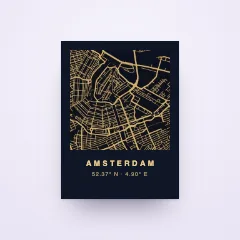
City map

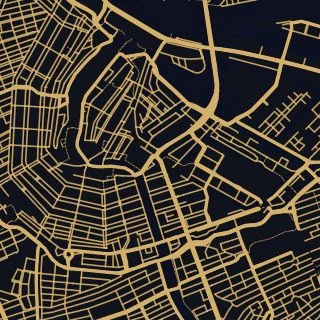
Customers search 169,116 places, move the map to their street and drop a pin, a heart or a star.

Maps
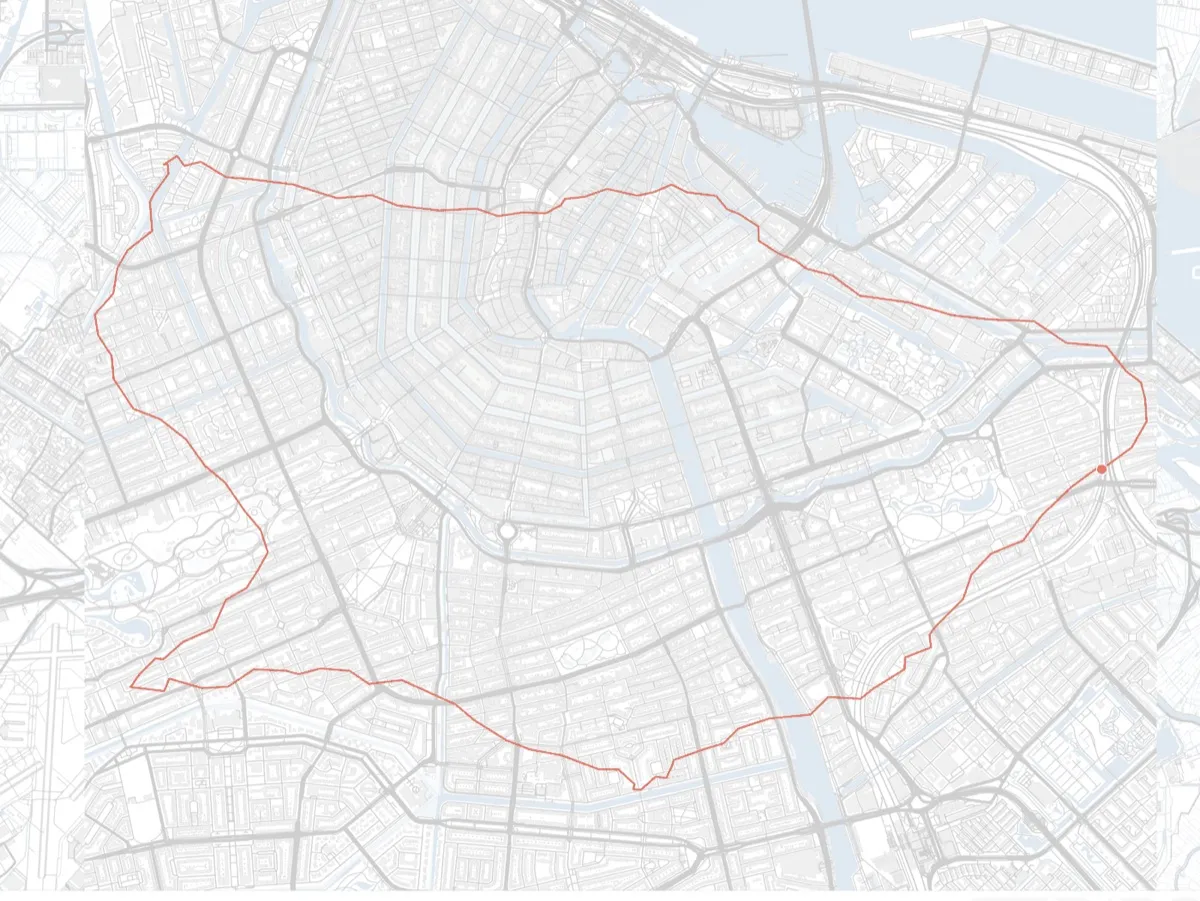
A marathon route drawn over a city map

Sport route

Runners and riders upload their GPX or TCX file or pick a famous marathon course, then add their bib number and finish time.

Maps
1234Amsterdam to Rome

Travel map

Customers add the stops of a trip and how they travelled each leg: by plane, train, car or boat.

Maps
123

Road trip

The same stops, with the legs drawn along the real roads they drove.

Maps
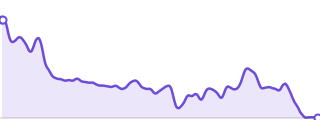
The elevation profile of the Boston Marathon course

Elevation profile

Every climb of their route, with the start, the highest point and the finish. It redraws when they upload their route.

Maps

Sky and dates. The moments they want to keep.

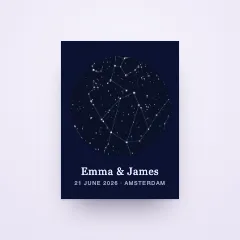
The sky over Amsterdam on 21 June 2026

Star map

Customers enter a place, a date and a time and get the real sky of that moment, with 5,044 stars and 88 constellations.

Star maps
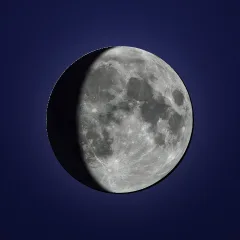
First quarter, 50% lit

Moon phase

Customers pick a date and see the moon as it was that night, drawn from photographic imagery.

Moon phases
June 2026SMTWTFS123456789101112131415161718192021222324252627282930

Calendar

Customers choose the month and mark the day that matters. You decide whether it gets a heart, a circle or a box.

Codes. Scannable, and printed sharp.

A QR code with round dots

QR code

Customers add a link to a song, a video or a wedding site, and it prints as a scannable code in your style.

8712345678906

Barcode

Customers enter a date, a name or a number, and it prints as a real EAN-13, UPC-A, Code 128 or Code 39 barcode.

The choices around the design. In the same customizer.

Not every choice draws on the product. These sit in the same form, in the steps you set.

  • 01

    Text and number fields

    Short text, longer messages, numbers and dates, each with its own limits.

  • 02

    Dropdowns and buttons

    Lists, radio buttons and checkboxes for the choices you define.

  • 03

    Font and colour pickers

    Customers pick a font or a colour from the set you allow.

  • 04

    Variant pickers

    Sizes and colours as buttons, swatches, image swatches or tiles.

  • 05

    Paid add-ons

    Gift wrap, a frame or a greeting card, added to the price as they choose.

  • 06

    Fields that react

    Show or hide a field depending on an earlier answer.

Questions, answered

Help center
What can customers personalize with Composerie?

Fifteen elements: text, photo upload with AI styles, avatars, clipart, city maps, sport routes, travel maps, road trips, elevation profiles, star maps, moon phases, calendars, QR codes, barcodes, and shapes with colours. Around them sit text fields, dropdowns, variant pickers and paid add-ons.

Can one product combine several elements?

Yes. A design holds several elements at once, for example a star map with a name and a date under it. For each one you decide whether customers may change it.

Which parts can customers change, and which stay fixed?

You decide per element in the Design Studio. Anything you don't open up stays exactly as you designed it, like your logo, a frame or a background.

Do customers see the result before they order?

Yes. The live customizer redraws the product with every change, on your own product page.

Do maps, star maps or AI styles cost extra?

Every element is part of Composerie, with no fee per element. AI styles run on your own AI provider account, so you pay that provider directly for each image.

What arrives when someone orders?

A print-ready PNG and PDF of the finished design, ready for the print partner you choose or for your own press.

Pick the elements. Your customers do the rest.

Design your first personalized product in the Design Studio and publish it to your store.