
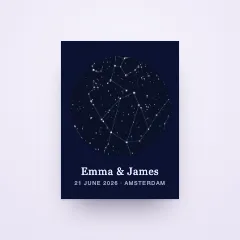
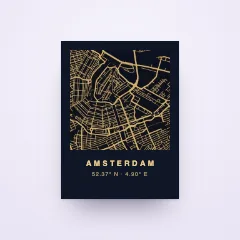






Their photo, painted in the style they love
Shoppers upload a picture and pick a style. Moments later the portrait is on the product, ready to order, painted by the image model you connect.
- 30-day free trial
- Your own AI provider
- You set the monthly cap

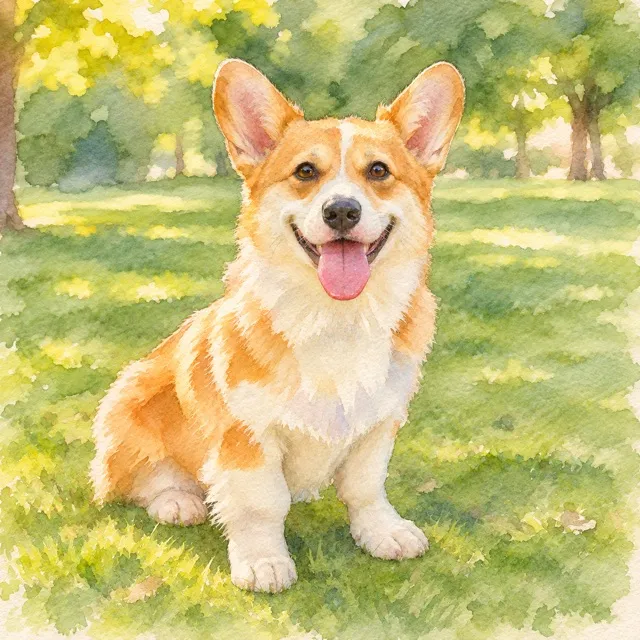


 biscuit.jpg
Sixteen styles, ready on day one.
From a soft pencil sketch to a Renaissance portrait. Offer the built-in styles as they are, rename them, or give them your own thumbnails, for one product or for the whole store.
- Every style keeps people and pets recognizable, in the same pose
- No added text, logos or watermarks in the result
- The editor warns you when a style cannot reach a print size
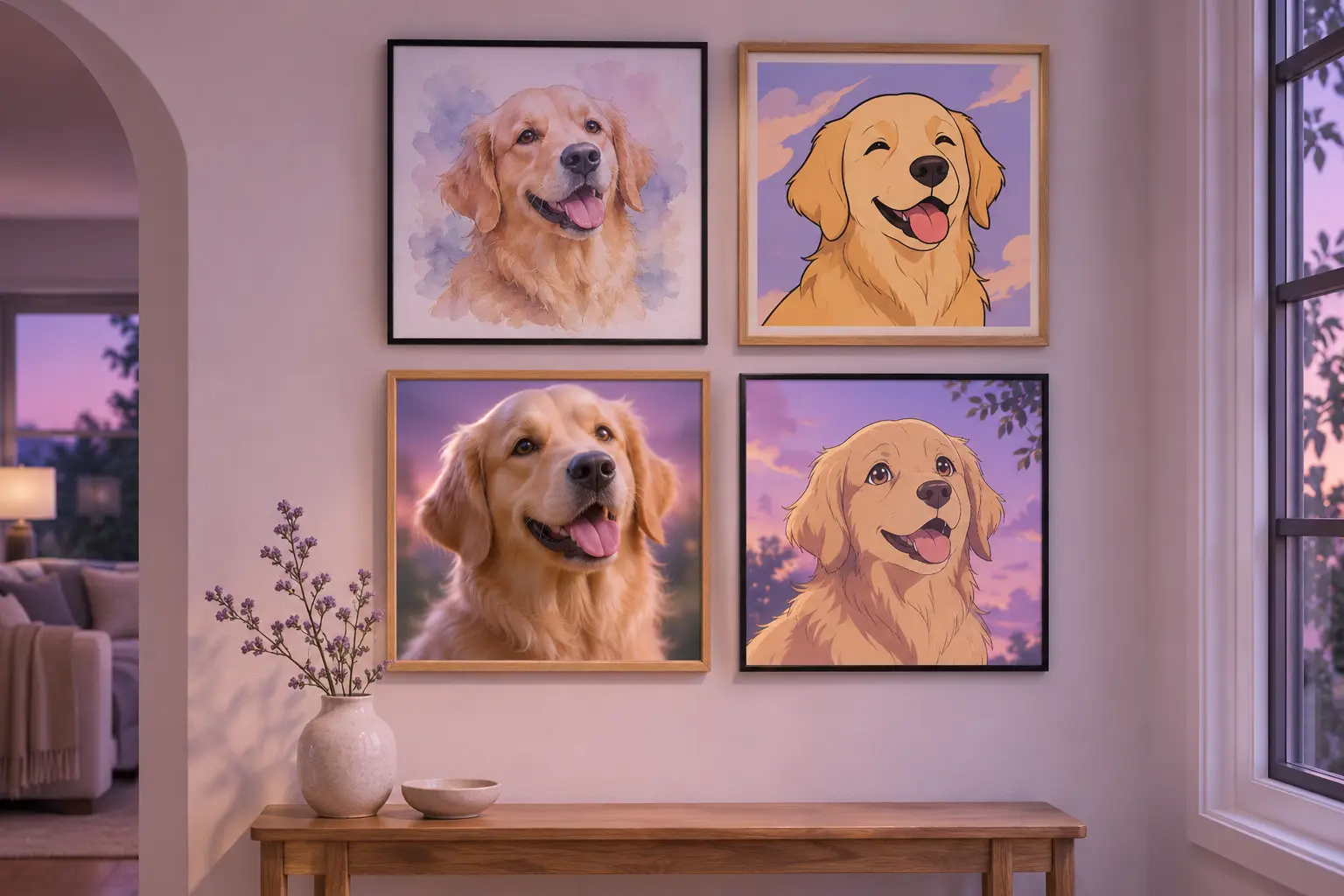
- Pencil sketch
- Watercolor
- Oil painting
- Pop art
- Anime
- 3D animated
- Storybook
- Comic book
- Pixel art
- Cyberpunk neon
- Space explorers
- Spa & bathtub
- Artist studio
- Renaissance royal
- 1980s yearbook
- Wild west
One style, or a whole gallery.
Sell one look, like a watercolor portrait, and the style is applied the moment the photo arrives. Or let shoppers browse a gallery of up to 32 styles and pick their favorite from the tiles.
- Choose which styles a product offers, and the one it starts on
- The painted result shows on the product before they buy
- The cart carries the painted preview, not a stock photo
biscuit.jpgPainted in Watercolor
One style. Applied by itself the moment the photo is in.
Gallery. Square tiles with your thumbnails. The shopper picks, the preview follows.
Or write your own.
Have a look in mind that is all yours? Describe it in your own words, run a test on a sample photo, and save it once you like what you see. Keep it on one product or add it to your store's library.
- A test run comes first, so every style is proven before it goes live
- Your styles sit next to the built-in ones, ready for any product
- Shoppers only pick from your styles, they never type prompts
A soft pastel crayon drawing on warm cream paper, gentle strokes, light lavender shadows, the subject centered.
Your AI. Your bill. Your limits.
Connect the image model you trust with your own key. The provider bills you directly at their price, Composerie adds no markup, and a monthly cap you set keeps every surprise away.
- A monthly spending cap is required before shoppers can paint
- Each shopper gets three results per product, or the number you set
- AI buttons only appear when a connected provider can do the job
- OpenAIConnected
- Google AIConnect
- FluxConnect
- StabilityConnect
- falConnect
- ReplicateConnect
Photo tools, free and on your device.
Clean up a photo before it goes on a product without paying a provider. These tools run right in your browser in the Design Studio, and you compare before and after before you apply.
- Remove a background or an object
- Improve resolution two, four or eight times
- Auto adjust light and color, or turn a logo into a vector
 BeforeAfter
- Remove background
- Remove object
- Improve resolution
- Auto adjust
- Convert to vector
Questions, answered
Help centerDo I need my own AI account?
Yes. Connect an image provider such as OpenAI, Google AI, Flux, Stability, fal or Replicate with your own key. The provider bills you directly, and Composerie adds no markup.
How do I keep costs under control?
Shoppers can only use a provider once you set a monthly spending cap on it. You also choose how many results each shopper may create; by default it is three per product.
Can shoppers type their own prompt?
No. Shoppers pick from the styles you offer. Prompts are yours to write, test and save.
Will the portrait still look like them?
Every built-in style asks the model to keep the same people and pets, in the same pose, without adding text or logos. Shoppers see the result on the product before they add it to the cart.
Is the painted image sharp enough to print?
When a result is smaller than the print size, Composerie enlarges it with one of your connected providers before it is printed. The editor tells you when a style cannot reach a size.
Do the photo tools cost anything?
No. Remove background, remove object, improve resolution and auto adjust run in your own browser in the Design Studio, free of charge.
Turn their photos into keepsakes.
Connect your store and an image provider, pick your styles and try them on a product.