Composerie vs Traditional Product Customizers: What's Different?
Compare Composerie's modern product customization platform with traditional Shopify customizer apps. Real-time preview, analytics, and more.
Composerie vs Traditional Product Customizers: What’s Different?
Product customization apps have been available on Shopify for years. Many of them work well for basic use cases — adding a name field to a product page or letting customers pick from a list of options. But as personalization becomes a larger part of e-commerce strategy, the limitations of traditional tools become apparent.
This article compares Composerie’s approach with the patterns common in older customizer apps. The goal is not to disparage existing tools — many have served merchants well — but to explain how the landscape has evolved and what a modern platform offers.
Real-Time Visual Preview
Traditional Approach
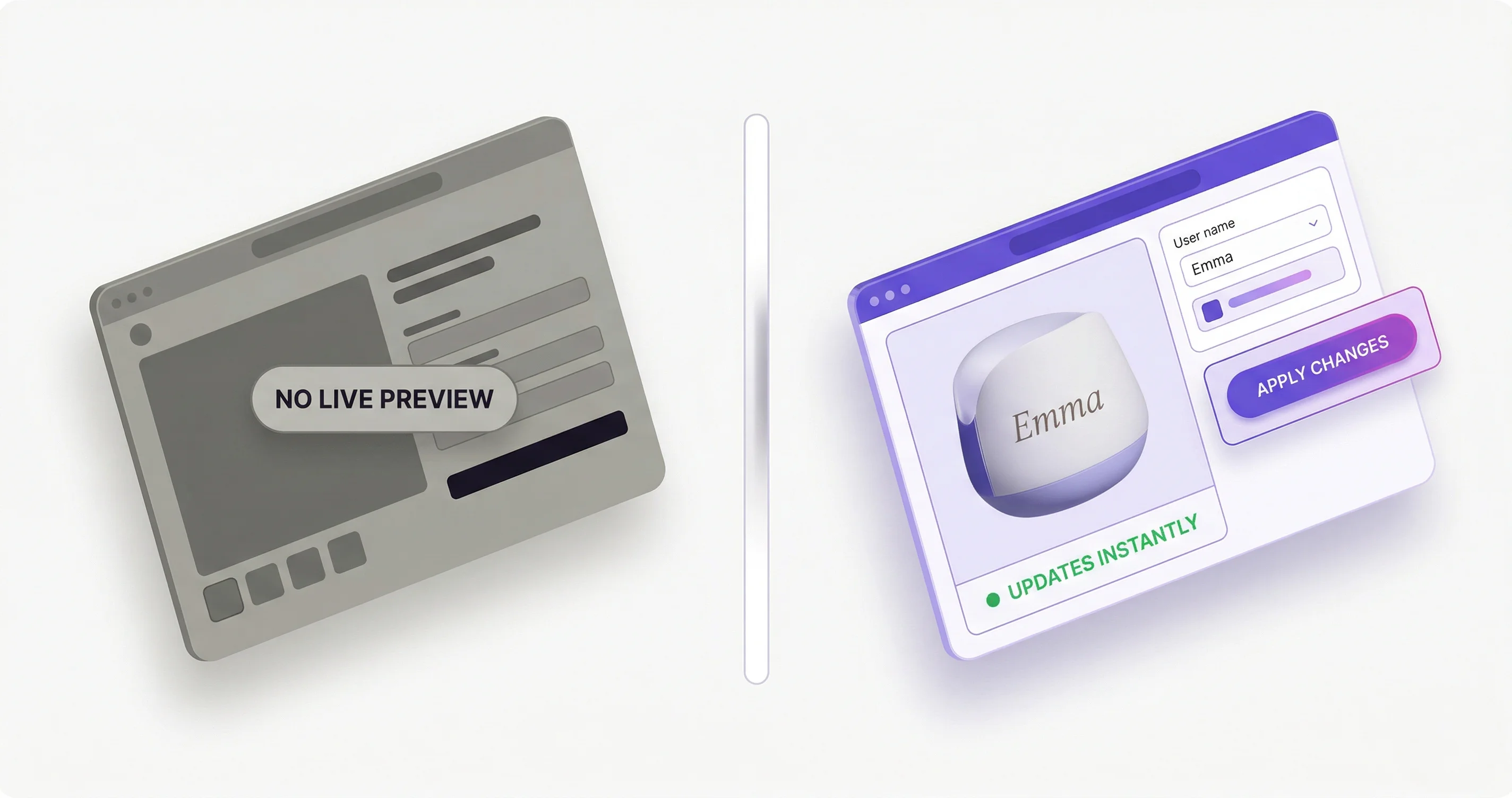
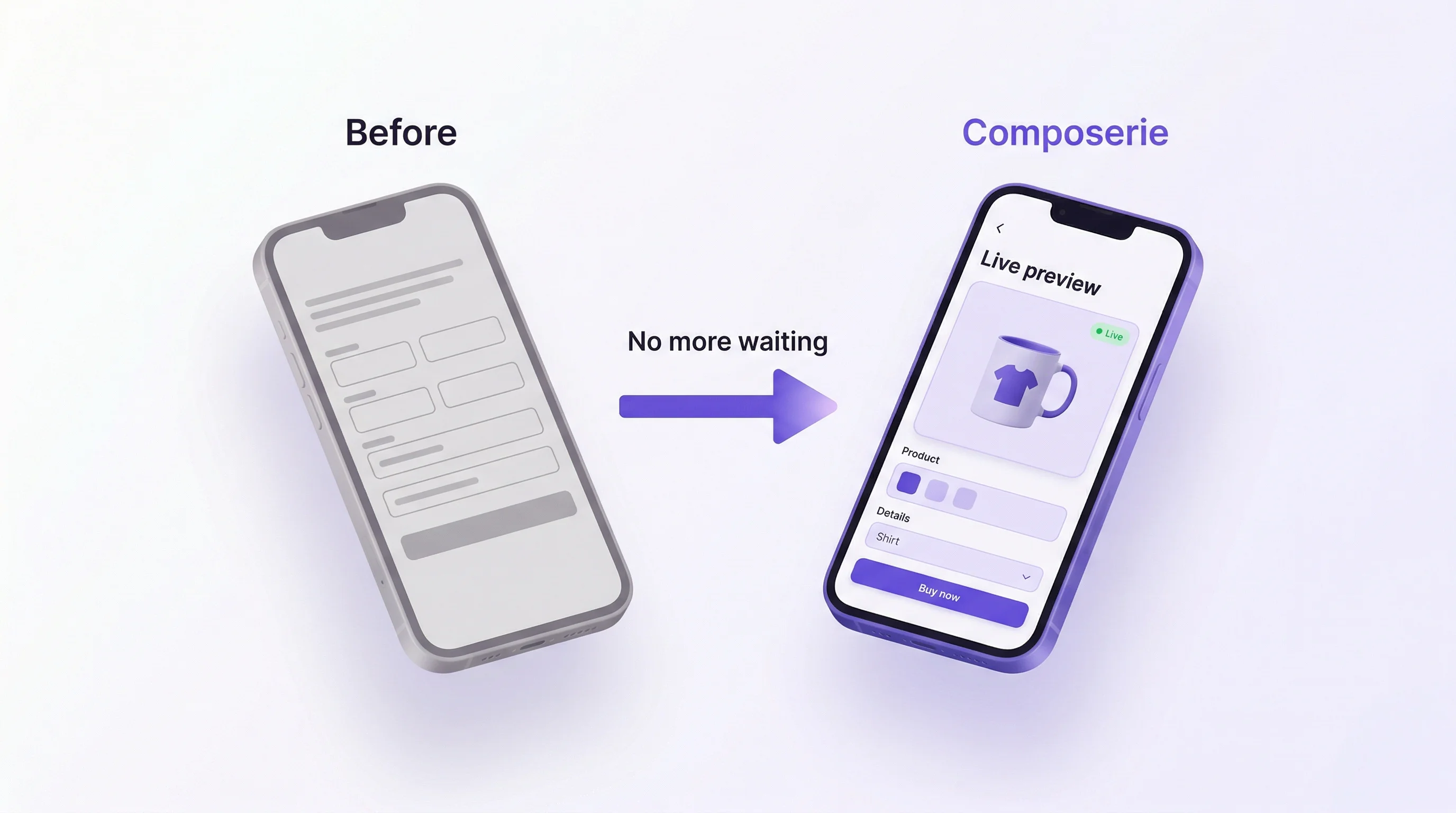
Many customizer apps collect customer inputs through form fields — text inputs, dropdowns, file uploads — and display them as a list alongside the product image. Some generate a static preview image after the customer submits their choices, which can take several seconds to render.
The customer fills in fields, submits, waits, sees a preview, and then decides whether to adjust. Each iteration requires another round trip.
Composerie’s Approach
Composerie renders a live canvas preview directly on the product page. As the customer types, selects colors, or uploads images, the preview updates instantly — character by character, pixel by pixel. There is no submit-and-wait cycle.
This matters because customers who can see their changes immediately are more confident in their purchase. They experiment more freely, and the result is a product they are genuinely excited about receiving.
Print Provider Integration
Traditional Approach
Most traditional customizers focus on the storefront experience — collecting personalization data and attaching it to the order. The print file generation and provider submission steps are typically handled manually or through separate tools. A merchant might export personalization data from orders, open it in design software, generate print files by hand, and upload them to the provider’s portal.
This workflow scales poorly. At 5 orders per day it is manageable. At 50, it becomes a full-time job.
Composerie’s Approach
Composerie keeps product personalization data, configured output settings, and supported provider connections in one merchant workflow.
Connect a print provider, then configure mappings so a merchant can manually route a test order after review.
The provider connections available to an account are shown in the dashboard. If a merchant configures more than one supported provider, product mappings determine the intended provider route and should be verified before launch.
Judging a Change Instead of Guessing
Traditional Approach
Testing a customizer change has historically meant manual work. Merchants duplicate product pages, alter the configuration on each version, split traffic with external tools, and then try to compare conversion across the variants. The data ends up fragmented and hard to act on.
Composerie’s Approach
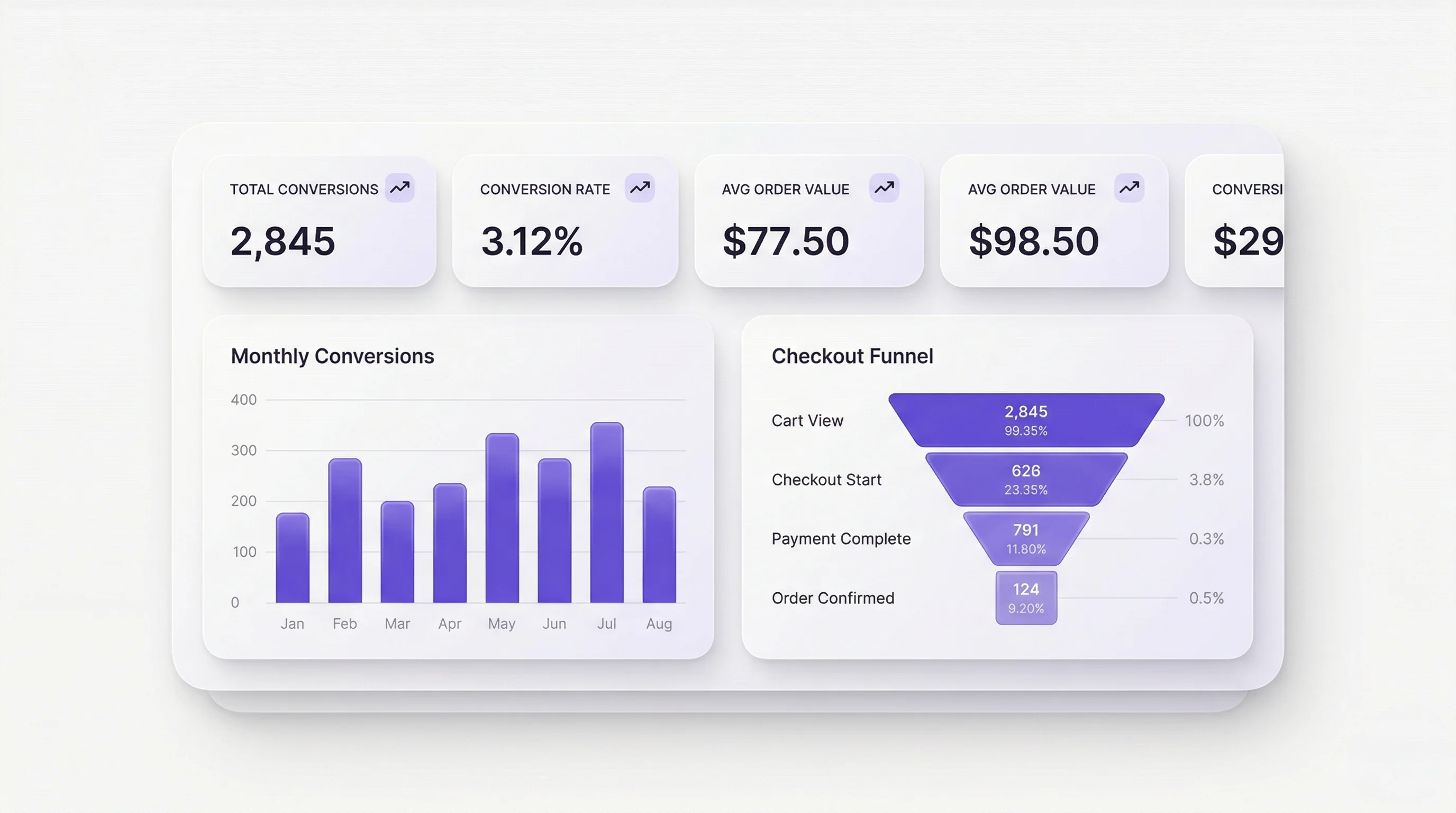
Composerie reports the personalization funnel by stage, so a change can be judged on where shoppers actually stop rather than on opinion. Move a field, simplify a step, and the funnel tells you whether fewer people fall out.
Analytics and Insights
Traditional Approach
Traditional customizer apps generally provide limited analytics, if any. You might see how many orders included personalizations, but not much beyond that. Understanding which fields customers engage with, where they drop off, or which personalization options drive the most revenue requires manual data analysis.
Composerie’s Approach
Composerie tracks the full personalization funnel:
- Completion rates — What percentage of customers who start personalizing go on to purchase
- Drop-off points — Where in the personalization flow customers abandon
- Revenue attribution — Which personalization options correlate with higher order values
- Popular choices — The most common text inputs, colors, fonts, and uploaded image types
This data feeds directly into product decisions. If customers consistently skip a field, remove it. If a particular color option correlates with higher conversion, feature it more prominently.
Internationalization
Traditional Approach
Localization in traditional customizers varies widely. Some support translated field labels through manual configuration. Others are English-only, requiring merchants to build separate product pages for each language — duplicating the customizer setup and maintaining multiple versions.
Composerie’s Approach
Composerie separates merchant-configured field copy from the product structure. Where a supported locale and translation controls are available, merchants can review the customer-facing labels and messages used for that market.
Before publishing in another market, preview the storefront in the intended locale and confirm that every customer-facing field, validation message, and fallback reads correctly.
Theme Compatibility
Traditional Approach
Customizer apps that inject themselves into Shopify themes can be fragile. Theme updates sometimes break the customizer layout. Different themes render the customizer differently, and merchants with custom themes may need developer help to get things looking right.
Composerie’s Approach
Composerie uses a storefront component with its own core styles. Theme and page-builder behavior can still vary, so merchants should run the compatibility check and verify the product page after a theme change.
For merchants who want deeper theme integration, Composerie provides style hooks that allow theme developers to adjust the customizer’s appearance without breaking its functionality.
Performance
Traditional Approach
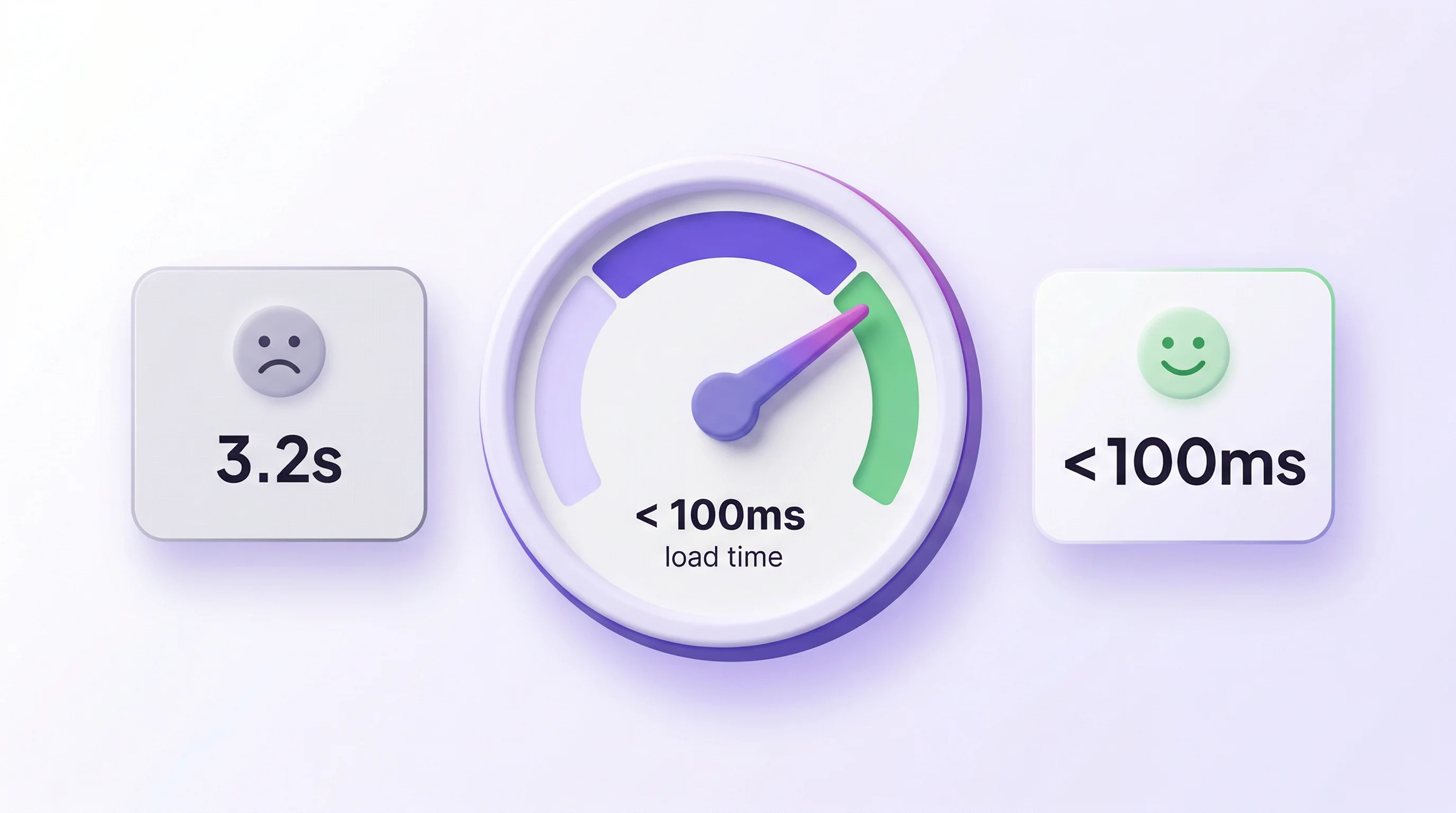
Some traditional customizers load large JavaScript bundles or rely on server-side rendering for previews. This can slow down the product page — a problem because page speed directly affects conversion rates and search rankings.
Composerie’s Approach
The Composerie storefront embed loads the personalization interface and preview on the product page. Merchants should measure the result on their actual theme, devices, and product configuration before launch.
Making the Right Choice
The right customizer depends on your needs. If you sell a handful of products with simple text personalization and process a few orders per day, a traditional customizer may serve you well.
If you need configurable personalization inputs, a live visual preview, Shopify checkout handoff, or supported provider connections, compare the available workflow with the requirements of your catalog and team.
Explore what Composerie offers. Start free and see the difference for yourself.