Features

The whole personalization pipeline, in one app

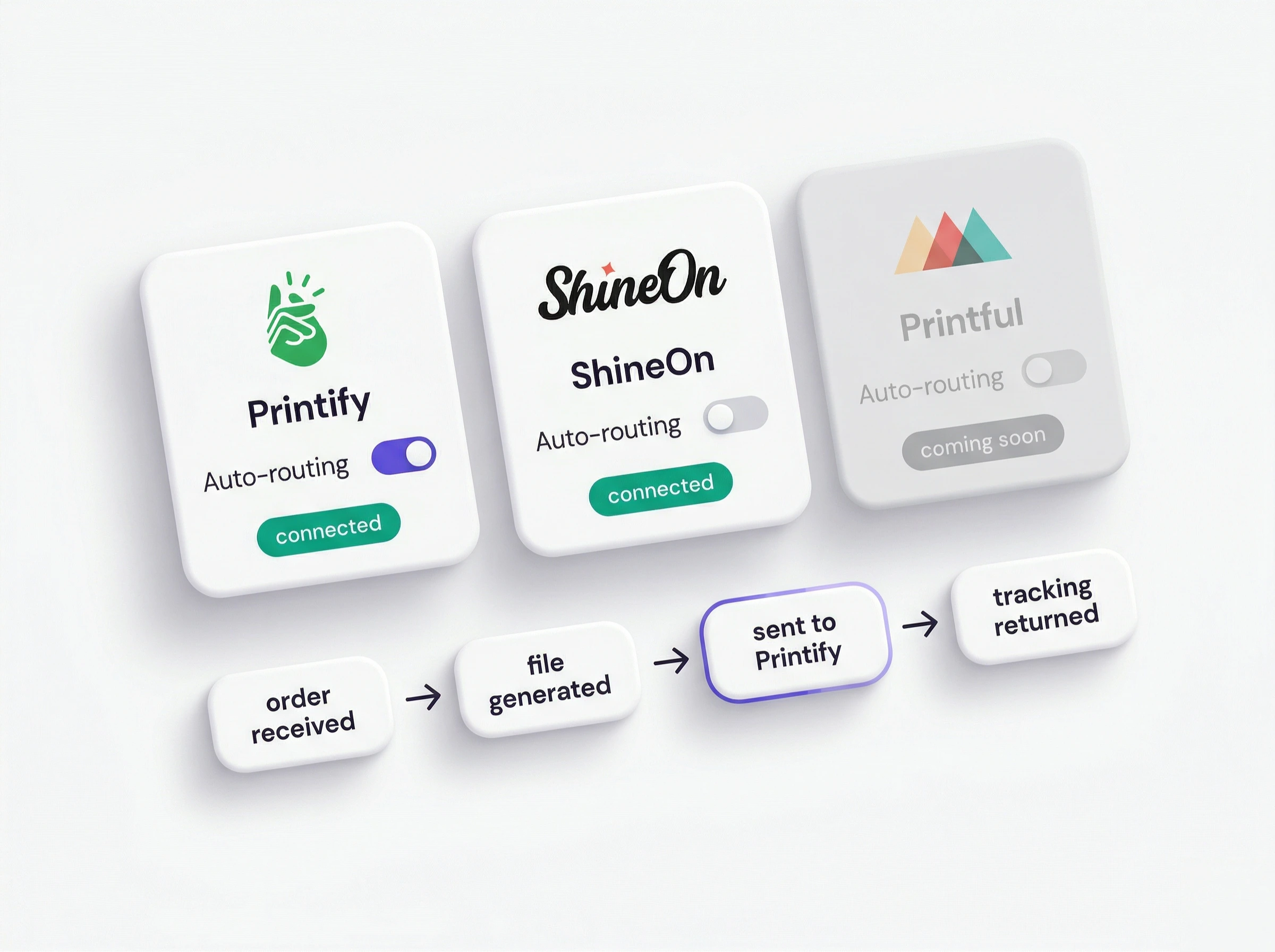
Product setup, shopper inputs, live preview, and Shopify checkout stay connected.

Build the personalization step by step

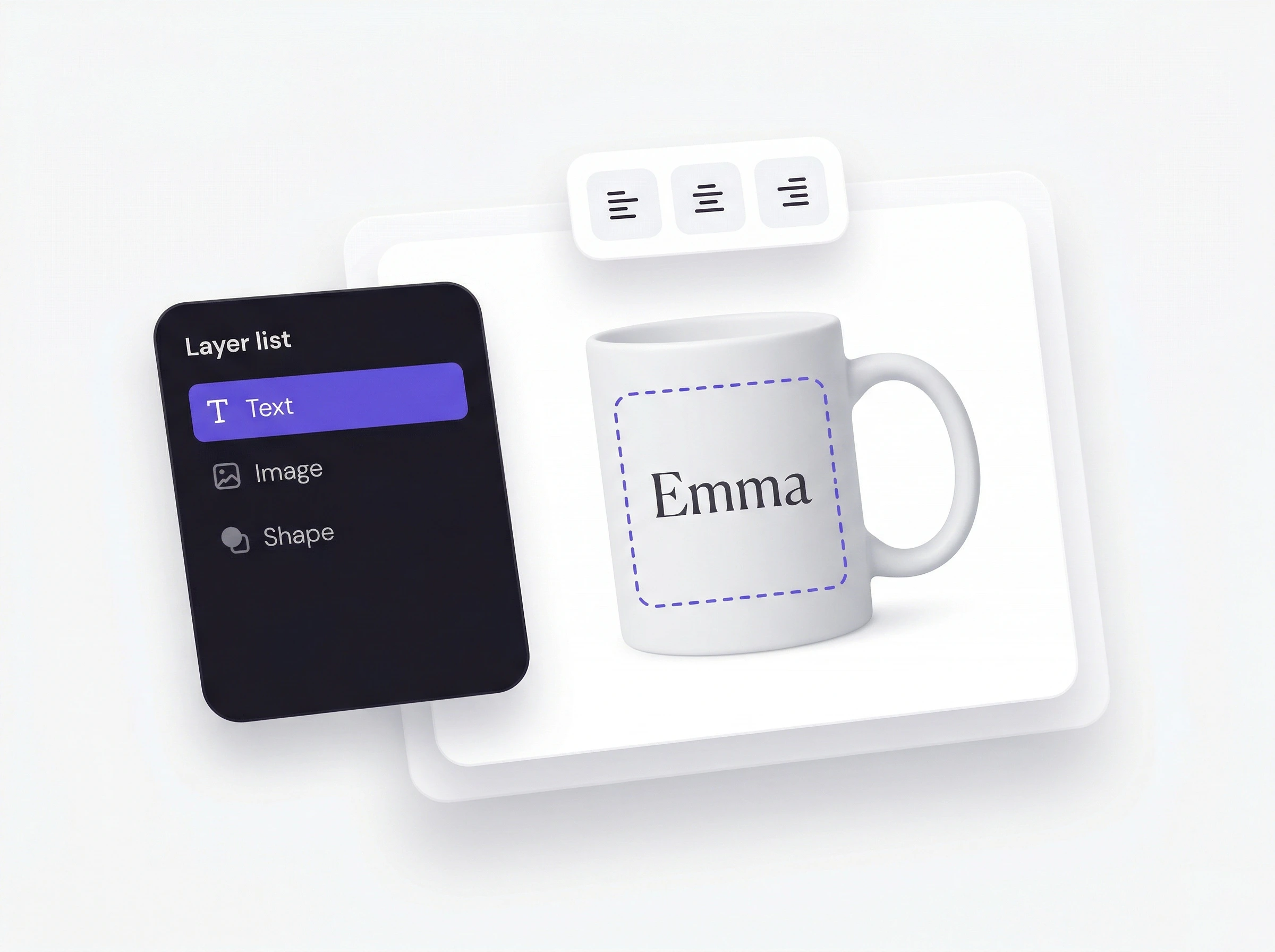
Most personalizer apps hand your customers a form. Composerie gives you a real canvas, with layers, snapping, multiple print zones, and seven block types, for you and your customers alike.

  • Advanced text: fonts, color, curving & spacing
  • Configured shopper inputs
  • Product-specific preview setup
  • Pro canvas: layers, snapping, undo & multi-zone
  • Live preview configuration
  • Shopify product handoff
The Composerie Design Studio editor

Everything it takes to sell personalized products

Product setup, storefront personalization, and Shopify checkout stay connected in one flow.

A real design tool, not a form builder

Compose templates on a fast canvas: text, images, shapes, QR codes, and personalization fields across multiple print zones, with layers, snapping, and undo built in.

  • Product templates
  • Editable fields
  • Preview setup

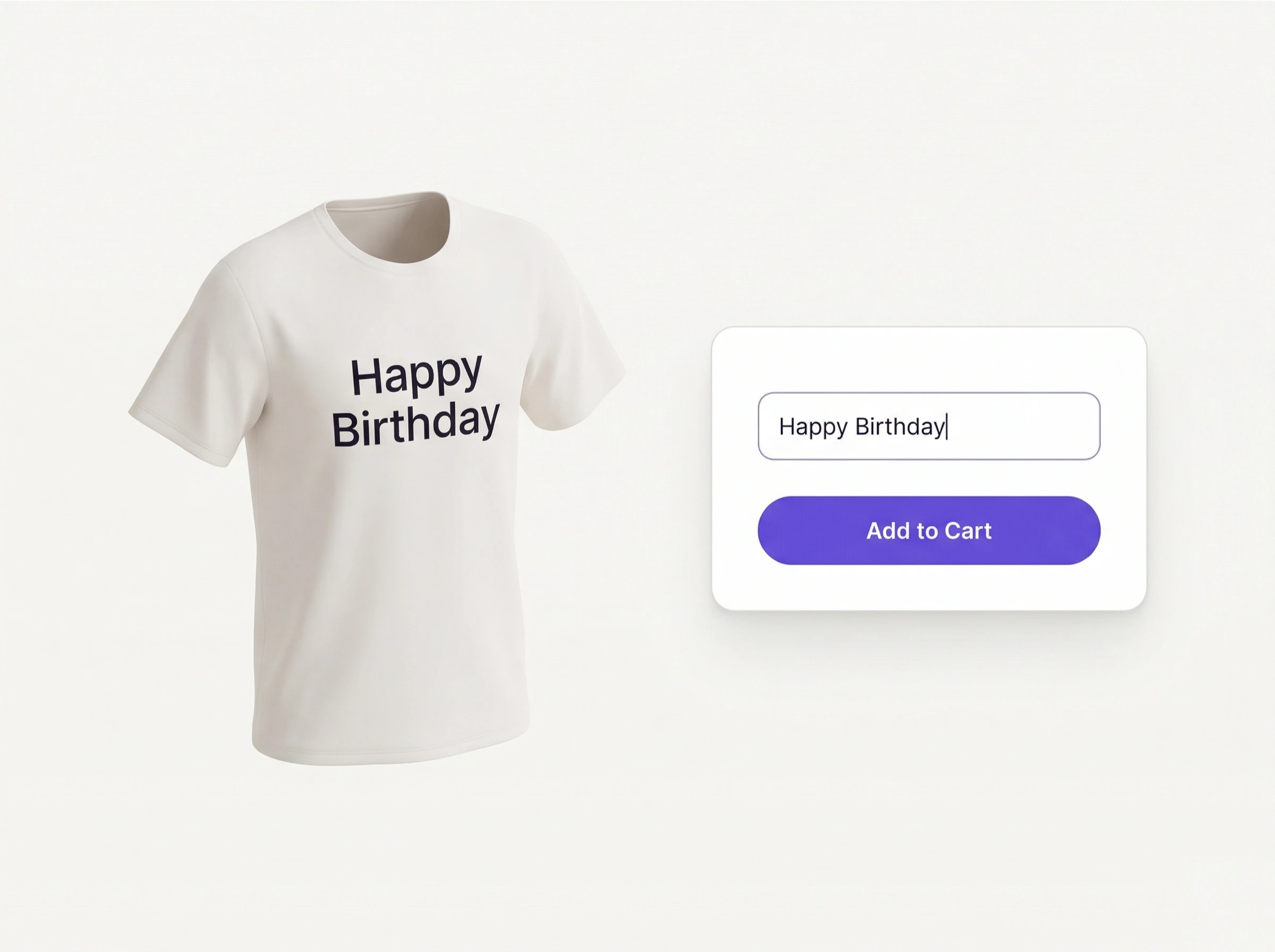
Your customer types. The product updates.

Show personalization inputs on the storefront and update the product preview as shoppers make choices.

  • Inline or full-page
  • Real-time preview
  • Mobile-ready

Choose what shoppers can personalize

Define the fields and options for each product before making the experience available on your storefront.

  • Product fields
  • Shopper options
  • Preview rules

Collect the details that matter

Shoppers provide text, images, and other configured choices directly in the personalization experience.

  • Text inputs
  • Image upload
  • Configured choices

Keep checkout in Shopify

After reviewing the live preview, shoppers continue through the store's Shopify checkout.

  • Preview first
  • Shopify cart
  • Shopify checkout

Deep where it counts

Design Studio

  • Fast canvas editor
  • Text, image, shape & QR blocks
  • Layers with z-order control
  • Snapping & alignment guides
  • 50-step undo / redo
  • Multiple print zones per product

Customer customizer

  • Inline, upper-PDP or full-page modes
  • Real-time preview on mockups
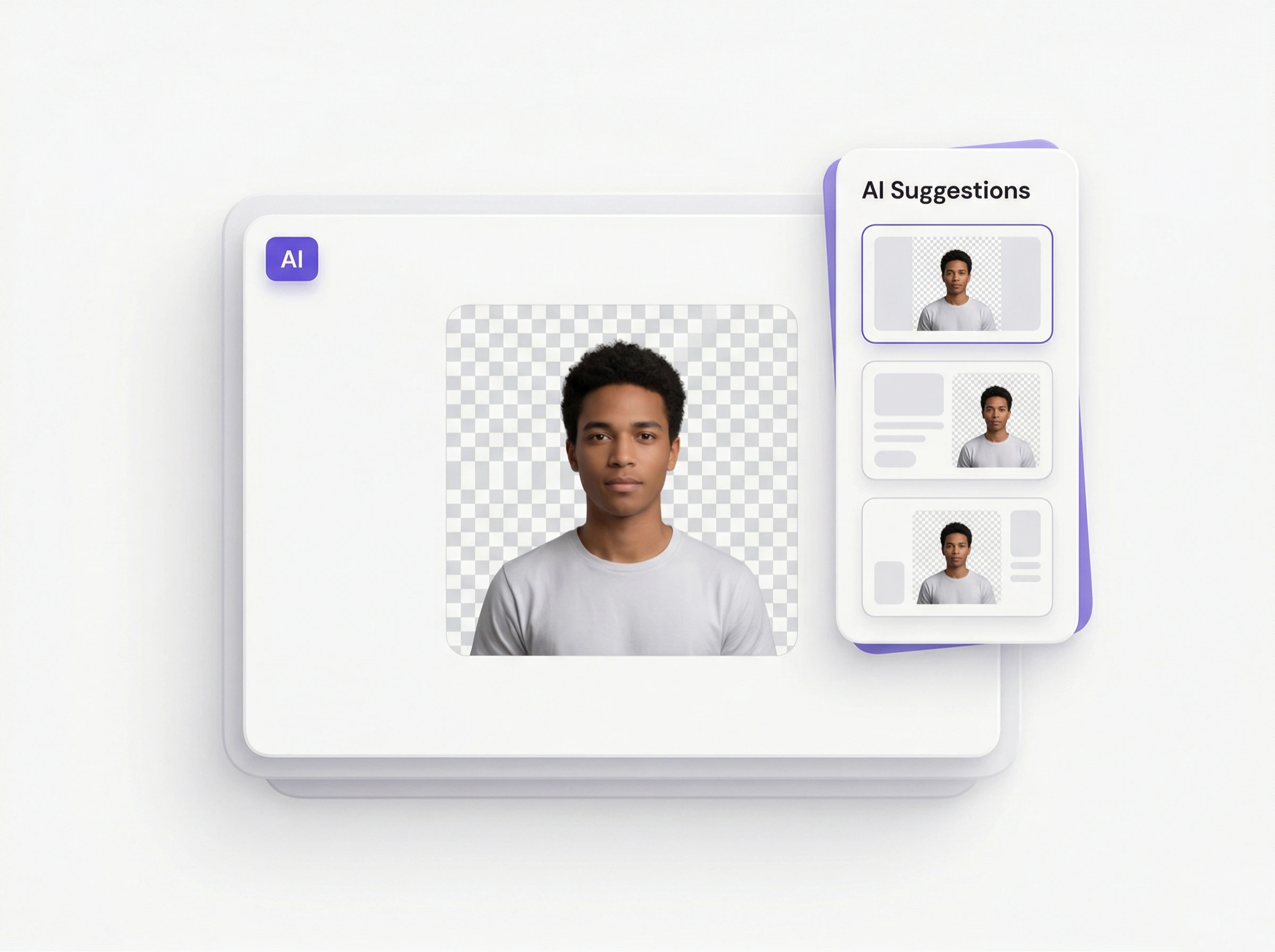
  • Photo upload + background removal
  • Variant-aware designs
  • Mobile editing with touch gestures
  • Conditional personalization fields

Product setup

  • Product templates
  • Configured inputs
  • Product choices
  • Preview rules
  • Variant-aware designs
  • Publish controls

Storefront experience

  • Shopper inputs
  • Live preview
  • Image upload
  • Product options
  • Cart handoff
  • Shopify checkout

Merchant workflow

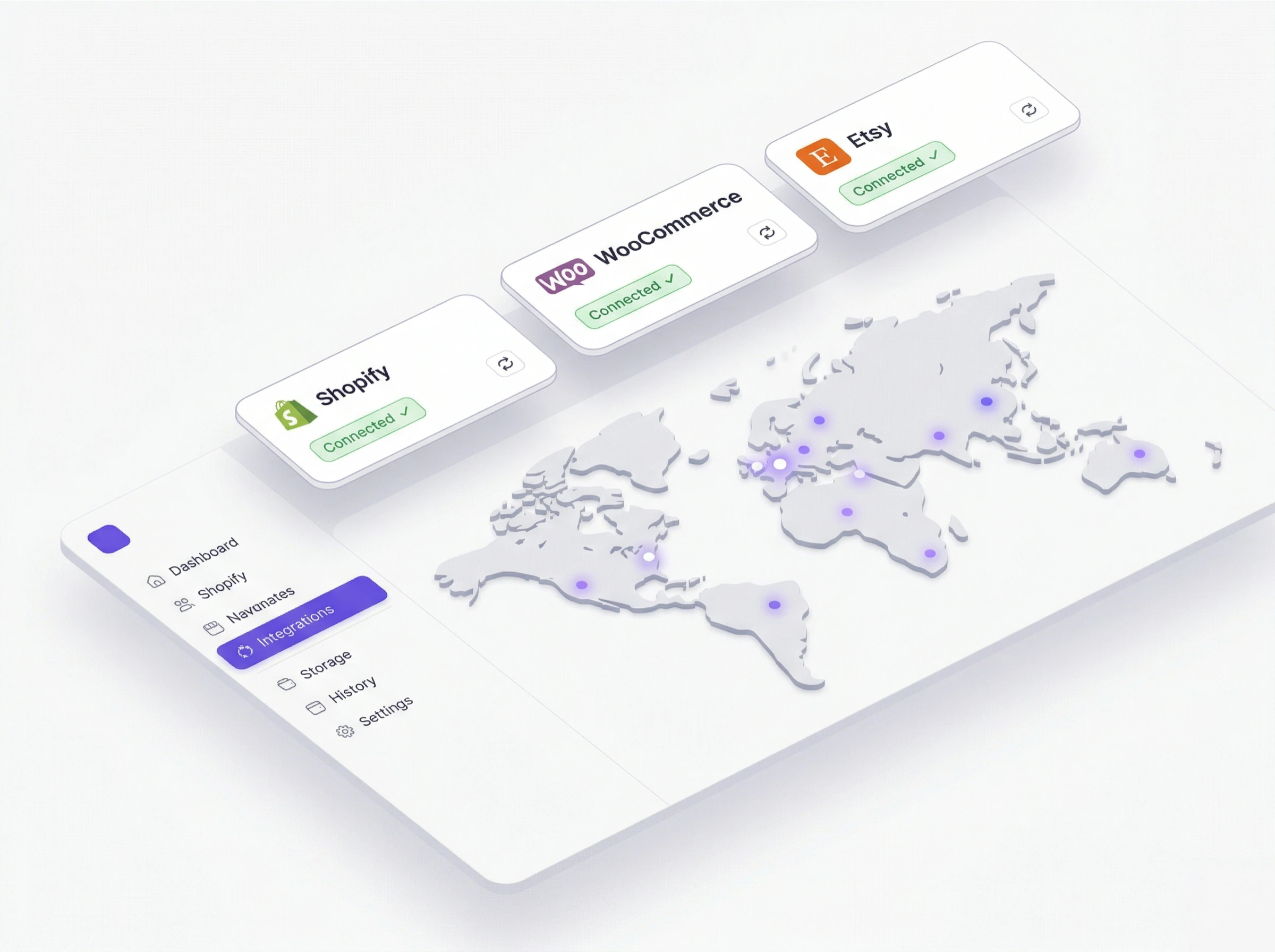
  • Shopify installation
  • Product setup
  • Preview verification
  • Publish controls
  • English support
  • Shopify billing

Show every configured choice before checkout

Shoppers enter personalization details and review the result on the product before adding it to the Shopify cart.

  • Configured shopper inputs
  • Live product preview
  • Shopify cart handoff
Loading 3D scene…
Drag to play · interactive 3D

What your customers make

Every product becomes a one-off, a glimpse of the things shoppers create.

Maps

Maps
Maps

Photos

Photos
Photos

Apparel

Apparel
Apparel

Make each choice clear before checkout

Give shoppers clear fields and a live preview so they can review the personalized product before adding it to the Shopify cart.

Location
Style
Amsterdam52.3676° N, 4.9041° E

See it on your products

Set up your first personalizable product this afternoon.